01
Line-preserving color
Station at dusk
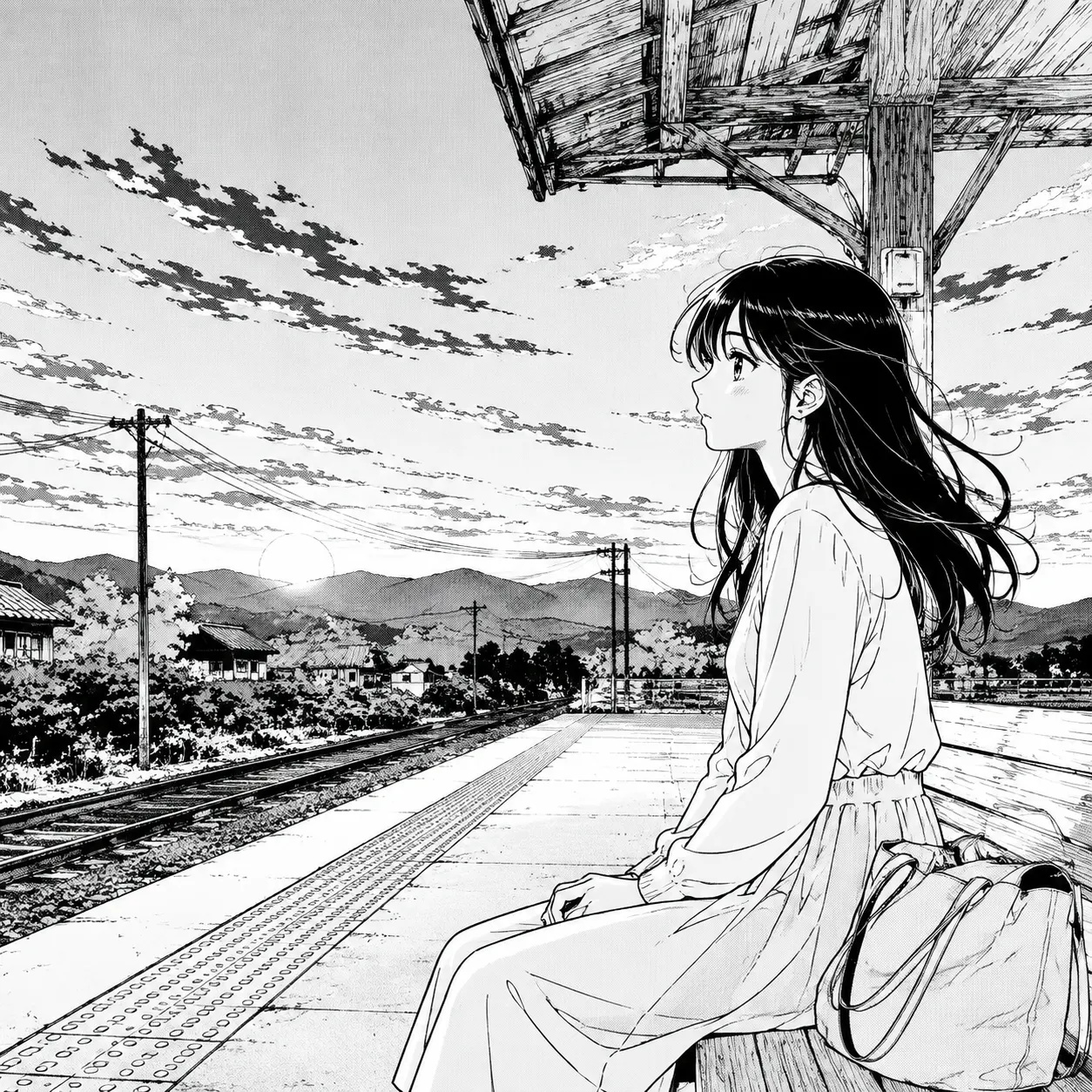
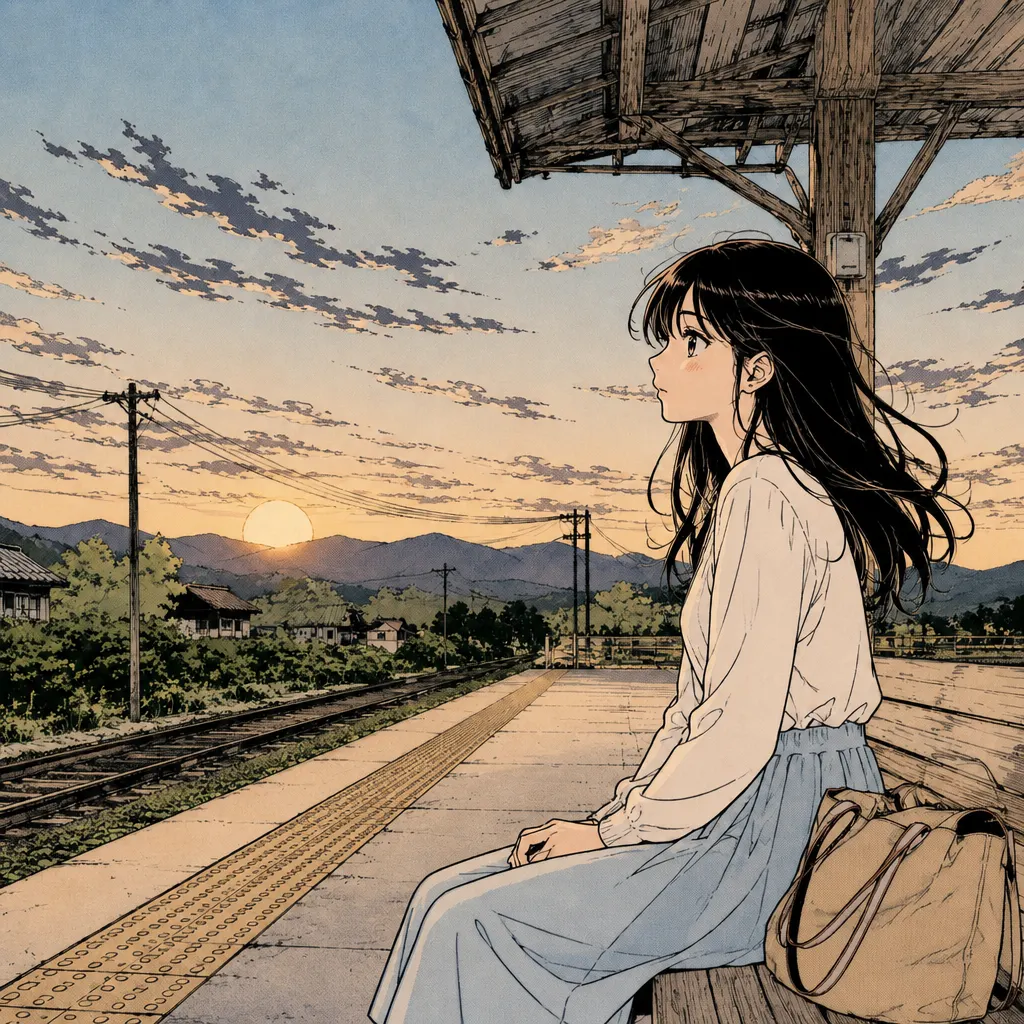
Gentle warm color reaches the sky, platform, and character while the delicate ink work remains visible.
Look for: warm sky colors alongside the original ink texture.
Color black-and-white manga panels and pages online with AI. Upload one image, run DDColor, compare the original with the colored result, and download your favorite version.
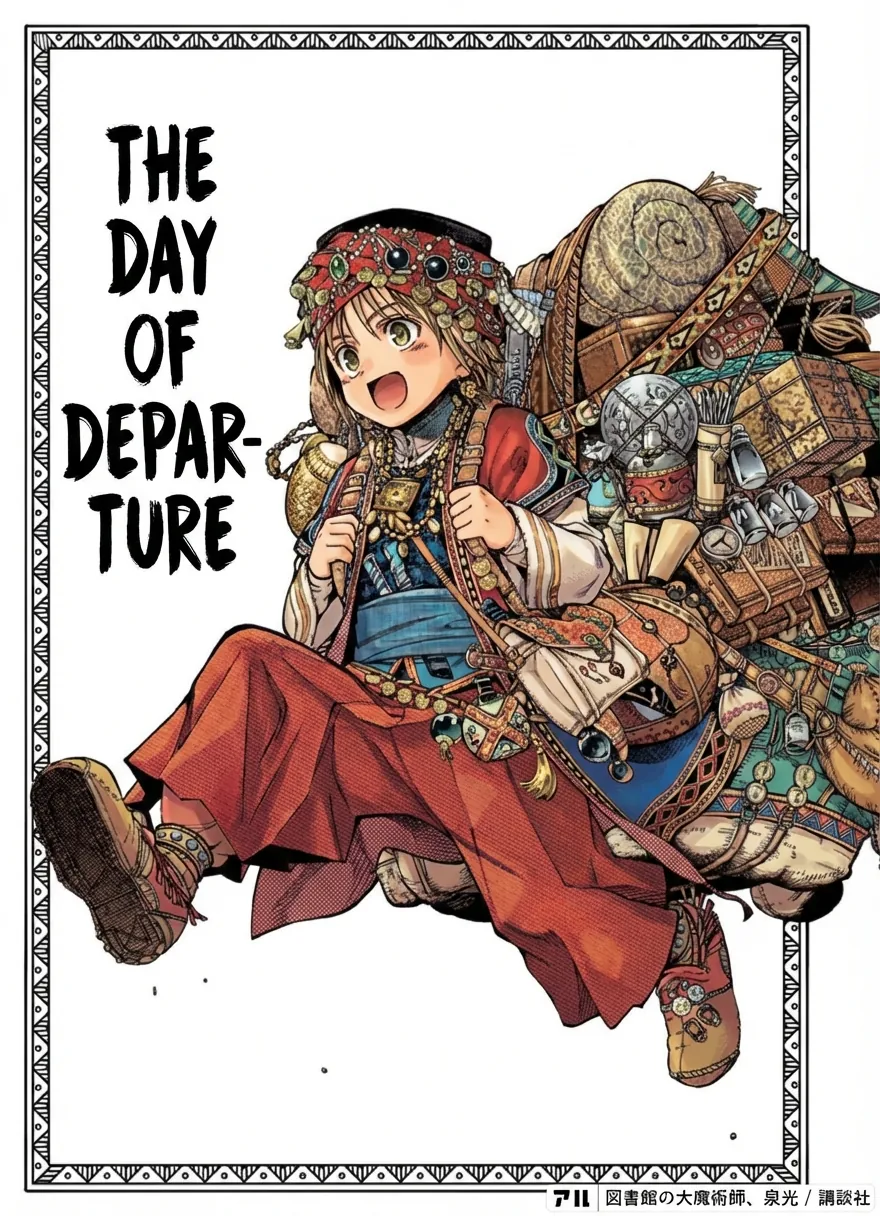
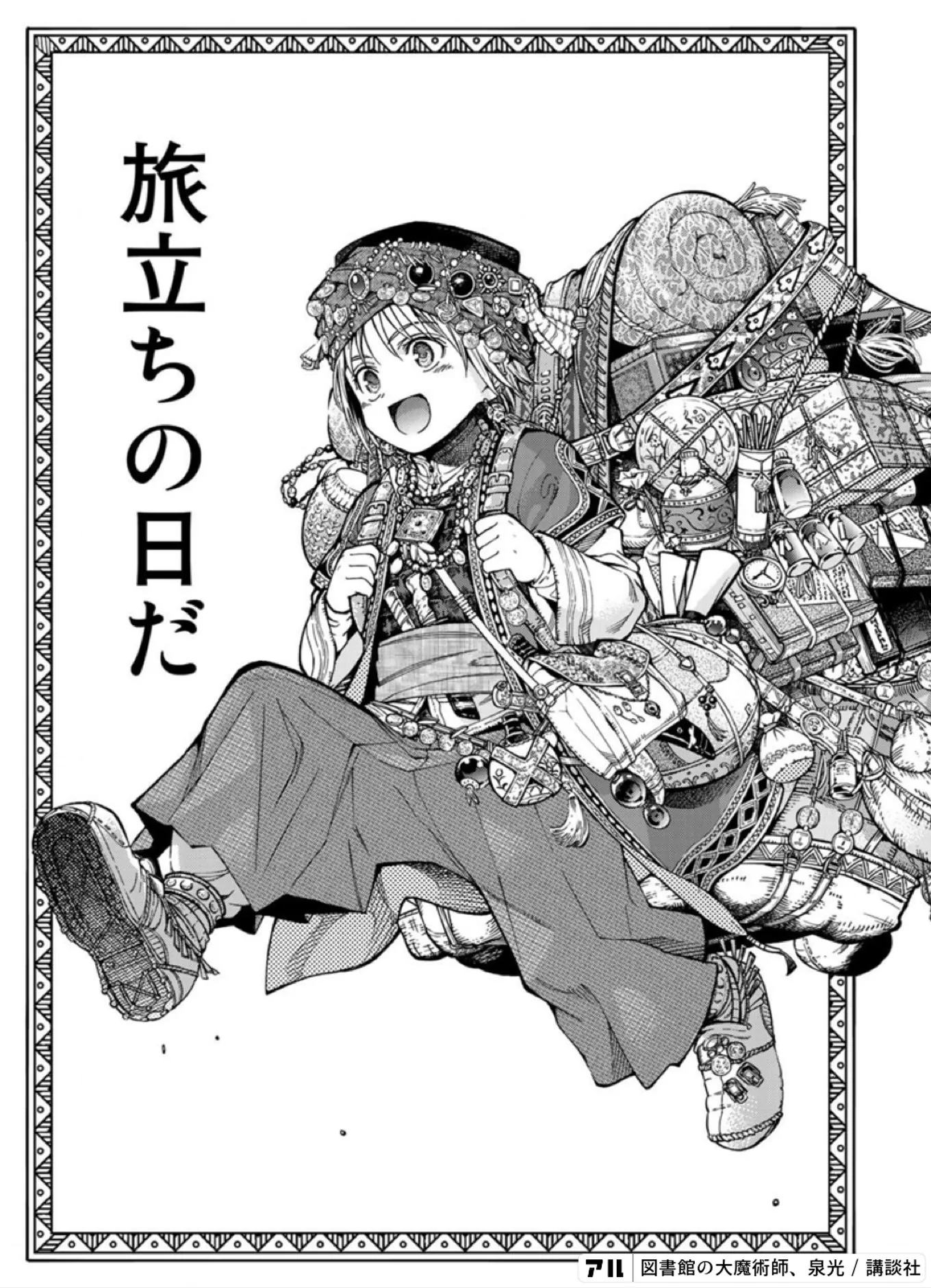 Black & whiteColor reference
↔ Drag to compare manga before and after coloring
Reference artwork from MangaColorizer. Not generated by this site.
Sign in to use your coloring credits. Upload one manga panel or page, run DDColor AI, and compare the result. PNG, JPG, or WebP · up to 10 MB.
Your image is sent to Replicate for AI colorization. DDColor is designed mainly for photos, so manga line art may vary. Download your result before it expires.
Explore three black-and-white manga pages next to color references. Notice how palette and lighting affect each scene. These examples illustrate color ideas; they are not generated by this tool.
Station at dusk
Gentle warm color reaches the sky, platform, and character while the delicate ink work remains visible.
Look for: warm sky colors alongside the original ink texture.
A platform at sunset
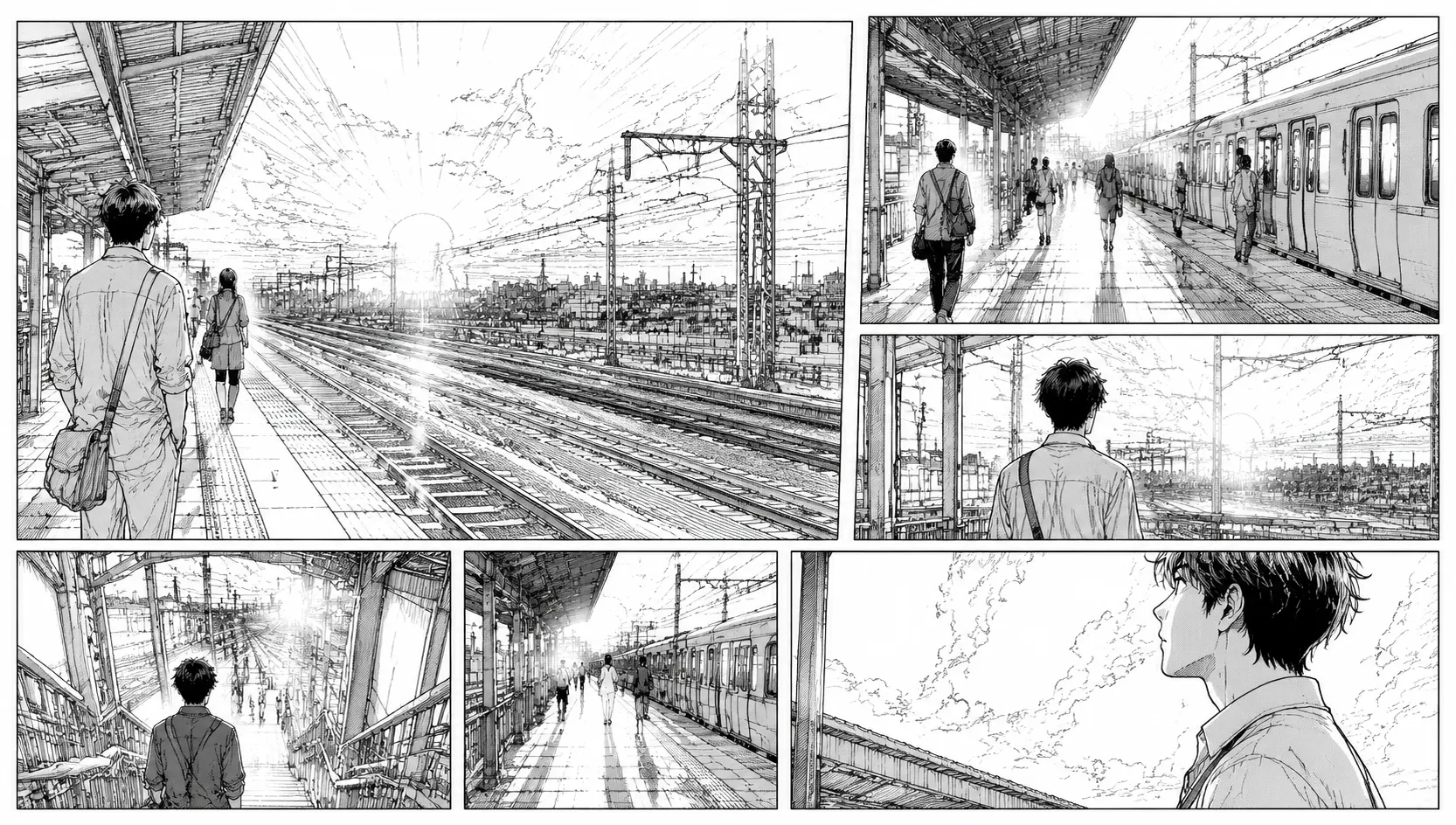
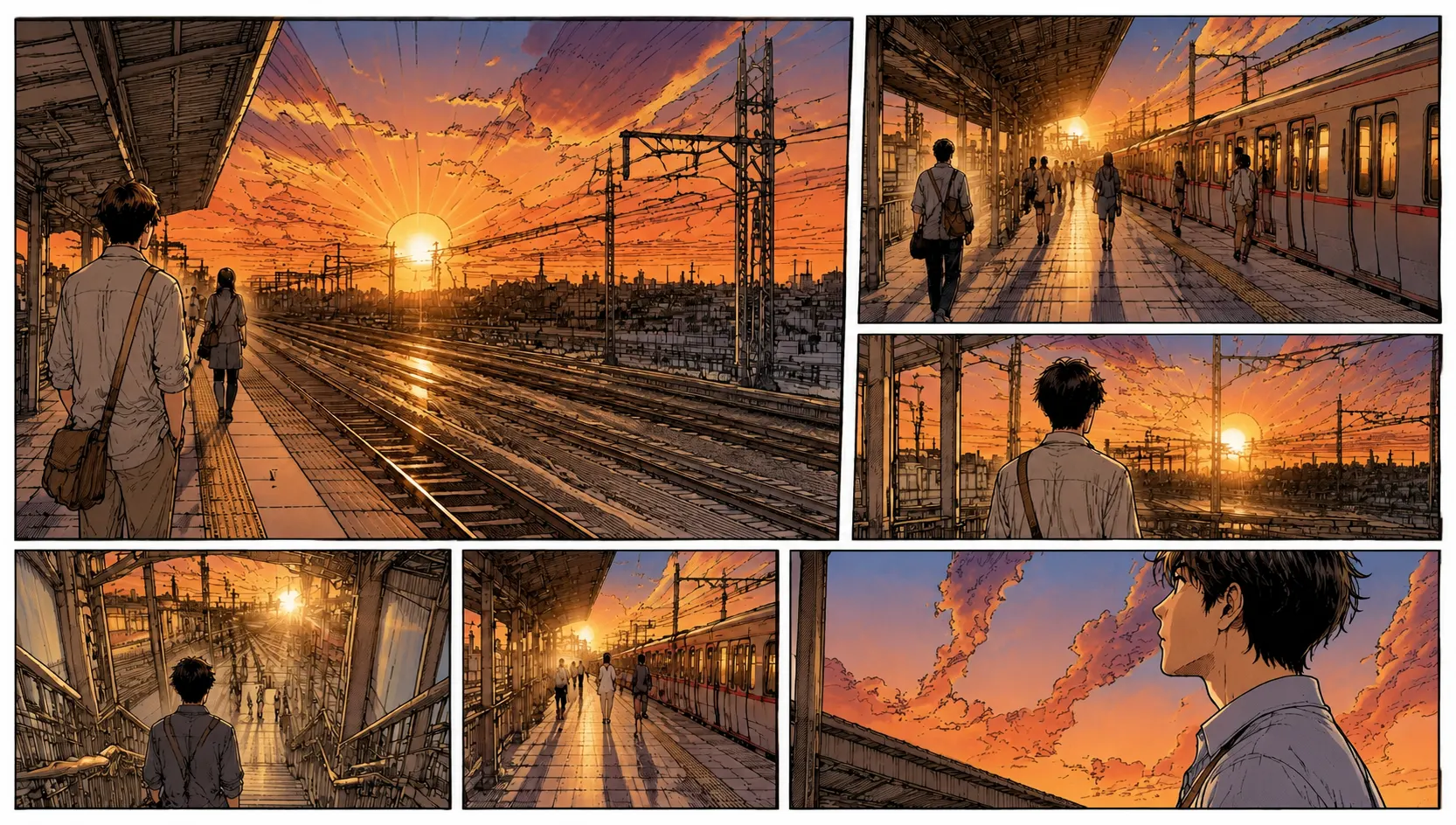
Golden evening light connects the panels and gives the station a distinct time and mood.
Look for: light connecting separate panels into one moment.
Waiting for the train
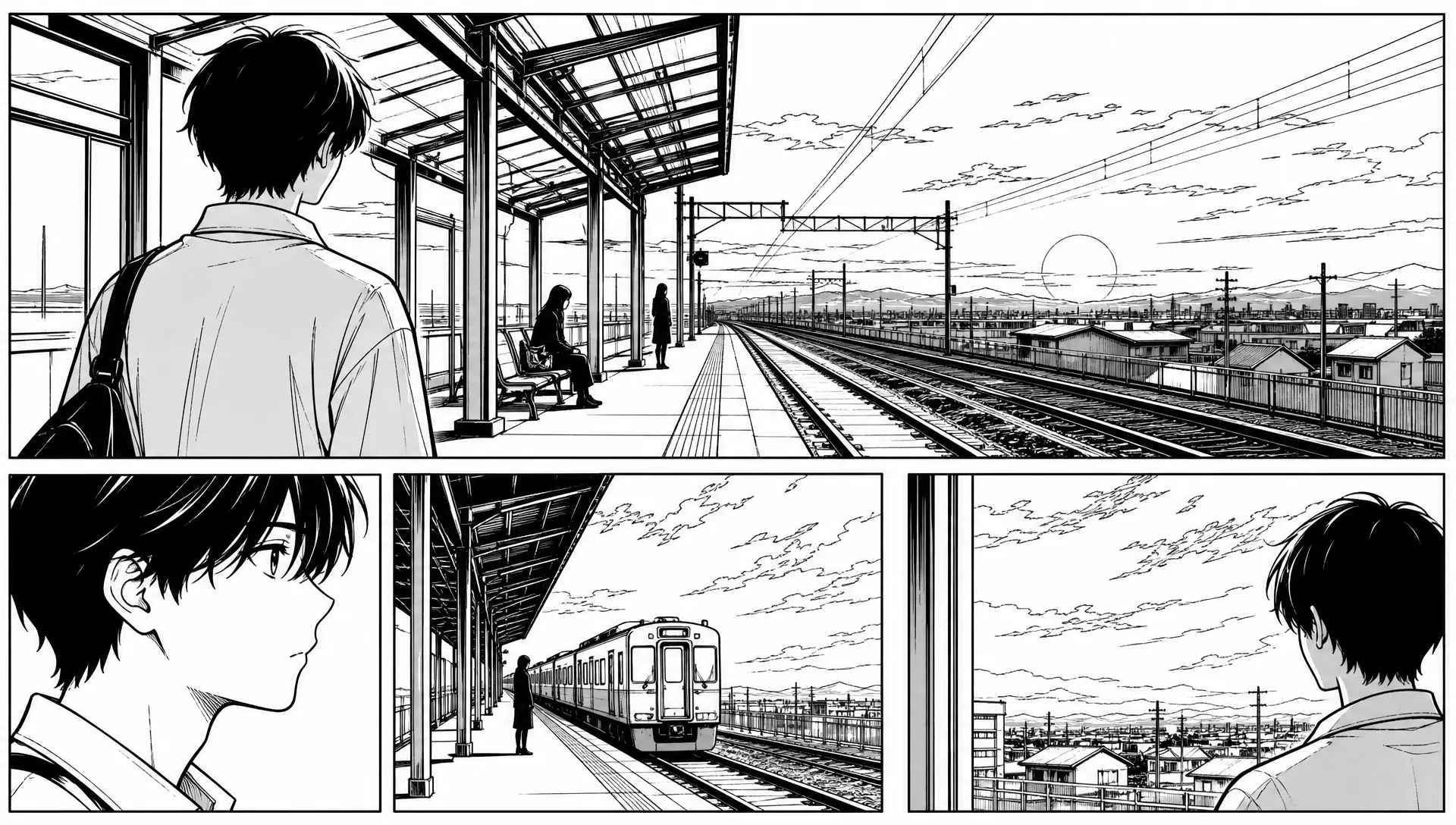
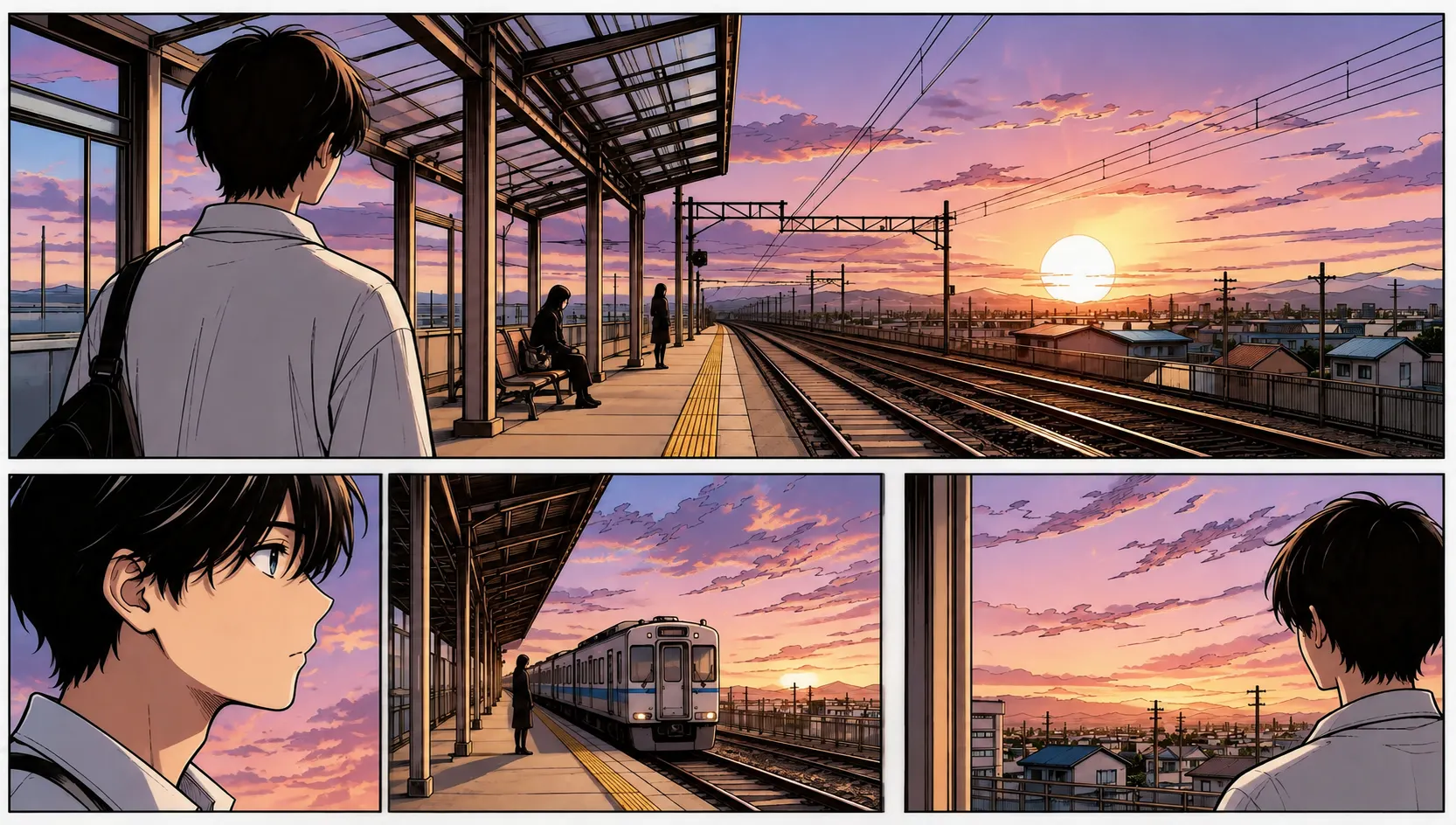
Defined color shapes and warm-cool contrast separate the character from the background.
Look for: depth between the character, train, and horizon.
Create an account to get two free AI coloring credits. Each image uses one credit. Choose a single panel or full page, preview it in your browser, then run the DDColor model to create a color version. The editor places both images side by side so you can review the result and download it.
DDColor was developed mainly for photo colorization. It can be used to explore manga color ideas, but it does not offer manga-specific style controls or guarantee that ink lines, screentones, and speech bubbles will stay unchanged. Always check the output before using it in a finished project.
From an original manga panel to a downloadable color image in three steps. No drawing software or prompt is required.
Choose a black-and-white panel or page in PNG, JPG, or WebP format, up to 10 MB.
Preview your image, then select Colorize with AI to send it to the DDColor model.
Compare the colored image with your original side by side and save the result.
COLOR REFERENCEORIGINALAI coloring can change the feel of a scene. Compare the output with your black-and-white original and check these details before sharing or editing it further.
Hair, clothing, and props become visual cues that help readers follow who is in each panel.
Warmth, coolness, and contrast can suggest time, weather, and atmosphere without changing the composition.
Check that outlines and screentones stay clear. Color should support the drawing, not bury it.
Follow the eye path across the panels and check that heavy color does not compete with lettering or speech balloons.
DDColor is primarily a photo colorization model. Manga line art, screentones, and text may need manual review or editing.
A clear source gives you a better basis for comparing the AI result. Check these four details before you upload.
Preserve panel borders, characters, speech bubbles, and important background details.
Choose a scan with crisp lettering and line work. Blurry screenshots are harder to review.
Keep shadows and screentones rather than crushing grays into pure black or white.
Use PNG, JPEG, or WebP, up to 10 MB per image. Compress large files locally first.
A quick way to explore color on a single manga image, whether you read, create, or study comics.
Try a different visual take on a favorite panel and see how color changes the mood of a scene.
Generate a rough color study for one page, then review character details, panel borders, and speech bubbles before using it further.
Use before-and-after comparisons to study contrast, focal points, and how a color palette affects storytelling.
AI Manga Colorizer is a browser-based tool that uses DDColor through Replicate to add estimated colors to black-and-white manga panels and pages.
For multiple files, use the batch manga colorizer or the PDF manga colorizer. See current plans and credits and our privacy policy before processing.
Answers about coloring manga pages online, file formats, DDColor results, privacy, and downloads.
AI Manga Colorizer is an online tool for adding color to one black-and-white manga panel or page at a time. It uses the DDColor model through Replicate and lets you compare the output with your original before downloading it.
Sign in and choose a PNG, JPG, or WebP image. Preview it in the editor, then select Colorize with AI. Each accepted request uses one credit. When DDColor finishes, compare the original and colorized images and download the result.
You can submit a single image containing one panel or a full manga page. The editor processes one image per run; it does not batch-color chapters or multiple pages.
The editor accepts PNG, JPEG, and WebP files up to 10 MB. A clear black-and-white page with visible panel borders, line art, and text is easiest to review after coloring.
Not always. DDColor was built primarily for photo colorization rather than manga-specific line art. Review panel borders, screentones, characters, and speech bubbles in the output before using it in a finished project.
Selecting an image creates a local browser preview. The image is sent through the site to Replicate only after you select Colorize with AI. Replicate removes API prediction data and files after one hour by default.
No. The examples on this page are color references for inspiration. Your own result appears in the editor beside the image you submitted after DDColor finishes.
Yes. Select Download colorized image after processing. Replicate output files expire, so download the image promptly if you want to keep it.
Only process artwork you own or have permission to use. AI colorization does not give you permission to publish or distribute someone else’s manga.
Upload one black-and-white manga image, run DDColor AI, then compare and download your color result.
Colorize Manga Online