
Individual manga panels
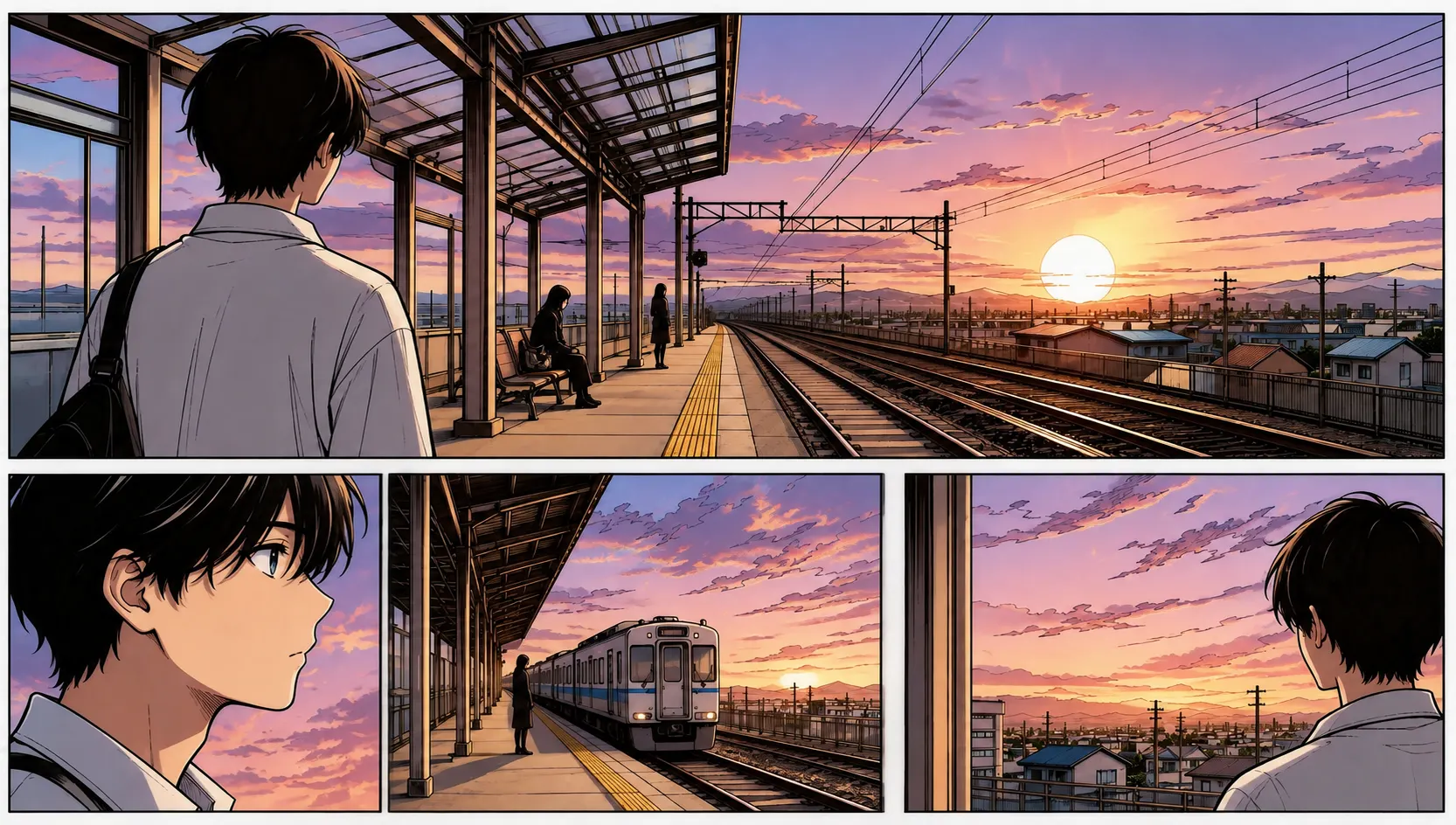
Focus on one expression or action beat. A single panel makes it easier to check small details and compare the color interpretation with the original.
Bring a new visual interpretation to black-and-white manga pages and panels. Use AI to explore color, compare it with the original ink work, and download the result for further review or editing.
PNG, JPG & WebP · Up to 10 MB · One image at a time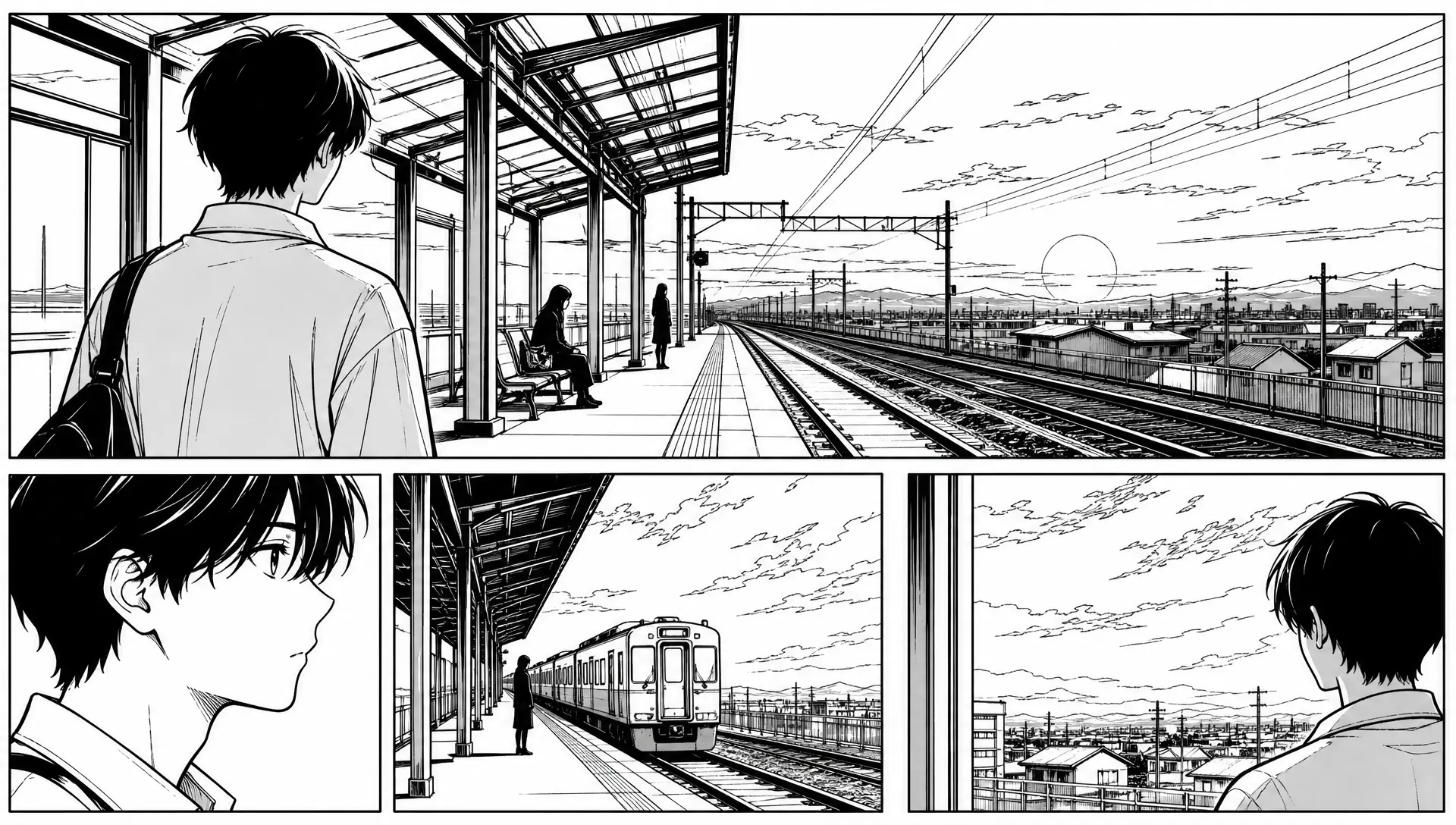
Preview your image, then run DDColor to explore an automatic color interpretation. AI processing requires an account and credits; each image uses one credit. View plans.
Sign in to use your coloring credits. Upload one manga panel or page, run DDColor AI, and compare the result. PNG, JPG, or WebP · up to 10 MB.
Your image is sent to Replicate for AI colorization. DDColor is designed mainly for photos, so manga line art may vary. Download your result before it expires.
Manga combines linework, screentones, panel borders, and dialogue into a carefully balanced page. Adding color changes that balance. Start with a single panel to inspect the model’s interpretation, then try a full page and check whether the focal points and reading order still work.
DDColor was developed mainly for photo colorization. It does not provide prompts, a custom palette, or guaranteed preservation of lines and text. Treat each result as a starting point and compare it carefully with your source.
Focus on one expression or action beat. A single panel makes it easier to check small details and compare the color interpretation with the original.
Explore a complete page in one image. Review the colors across panels as well as page gutters, lettering, and the contrast around speech balloons.
Inspect shaded textures, speed lines, and solid black areas. Color can change their visual weight, so preserve your source for any finishing edits.
Work directly in your browser, from a source image to a downloadable color study.
Choose one PNG, JPG, or WebP image up to 10 MB. The editor shows a local preview before you start AI processing.
Sign in with available credits and select Colorize with AI. The model estimates a palette automatically from your image.
Inspect the original and colored output side by side. Download the result and make any finishing changes in your preferred image editor.
A thoughtful source image makes the result easier to evaluate and refine.
Use a sharp scan or exported page with readable text. Blurry screenshots and heavy compression make small details harder to evaluate.
When uploading a page, include the panel edges and dialogue. When testing a panel, crop deliberately around the complete scene.
Zoom in on faces, screentones, and speech bubbles. Check that the result still communicates the original action and emotion.
Explore the mood of a favorite black-and-white scene and compare how color shifts its emphasis.
Generate a rough color study for an original page, then refine character colors and panel details in your usual editor.
Use a side-by-side comparison to study how hue, value, and contrast affect a page’s reading path.
Practical answers before you upload your artwork.
Upload one black-and-white manga image, select Colorize with AI, compare the result with your original, and download the colored image. Supported uploads are PNG, JPG, and WebP up to 10 MB.
The current workflow processes one image at a time. Upload individual panels or pages separately; there is no chapter upload or batch-processing control.
No. The model estimates colors from the image and does not offer an official character database or reference palette. Hair, clothes, and props may need manual corrections.
You can preview your uploaded image before processing. AI colorization requires an account and available credits; each image uses one credit. Check the pricing page for current plans.
Only publish artwork you own or have permission to use. Adding AI color does not grant rights to the original manga. Review both the image quality and your permissions before sharing.
Try Gojo manga color online: upload a black-and-white Satoru Gojo panel, explore AI coloring, compare the result, and download your color study.
Try Naruto manga color online with AI. Upload a black-and-white panel or page, explore character and scene colors, compare the output, and download.
Explore One Piece manga colored online: upload a black-and-white panel, try AI colorization, compare the result, and download your color study.
Explore color for black-and-white Korean comic panels with our AI manhwa colorizer. Upload a panel, compare the result, and download your color study.
Add estimated color to black-and-white drawings with our AI line art colorizer. Upload a sketch or ink drawing, inspect the result, and download it online.
Bring your black-and-white artwork and see what color can add to the scene.
Try Manga Colorizer