
Ink illustrations
Try drawings with clear contours and recognizable subjects. Review fine strokes, crosshatching, and small enclosed areas after processing.
Explore color on an ink drawing, character sketch, or outlined scene. Upload your artwork, run AI colorization, and inspect the result beside the original before taking the next step in your creative process.
PNG, JPG & WebP · Up to 10 MB · One image at a time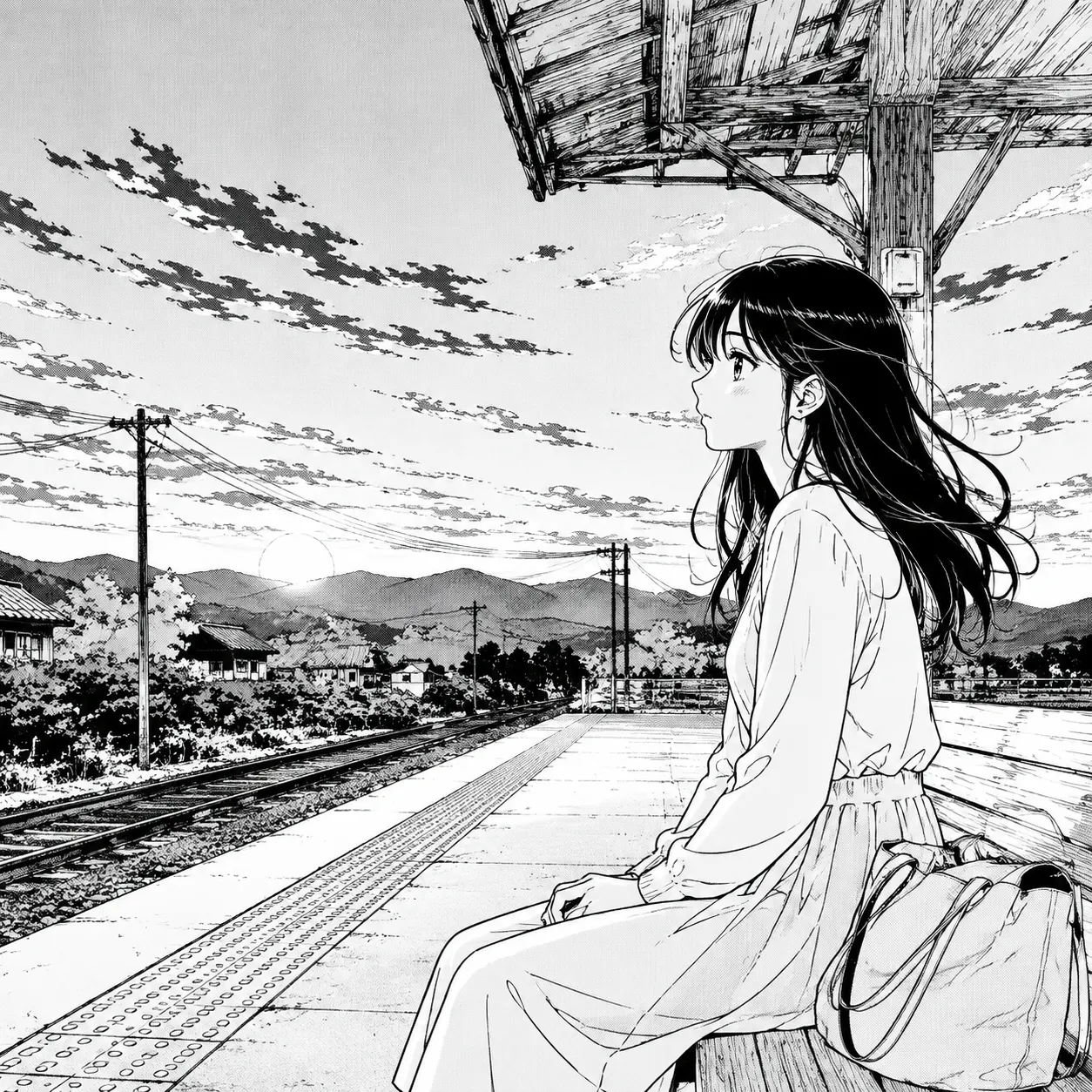
Preview your image, then run DDColor to explore an automatic color interpretation. AI processing requires an account and credits; each image uses one credit. View plans.
Sign in to use your coloring credits. Upload one manga panel or page, run DDColor AI, and compare the result. PNG, JPG, or WebP · up to 10 MB.
Your image is sent to Replicate for AI colorization. DDColor is designed mainly for photos, so manga line art may vary. Download your result before it expires.
Line art leaves much of the color story open. AI can suggest a starting point, but a sparse sketch gives the model fewer clues than a detailed drawing with recognizable subjects and shading. Use the result to explore possibilities, then refine the palette and edges yourself when the drawing needs a finished treatment.
DDColor was developed mainly for photo colorization. It does not provide prompts, a custom palette, or guaranteed preservation of lines and text. Treat each result as a starting point and compare it carefully with your source.
Try drawings with clear contours and recognizable subjects. Review fine strokes, crosshatching, and small enclosed areas after processing.
Explore a color interpretation of an original character. Compare facial features and costume details with your source before using the result as a study.
Detailed backgrounds and shading give more visual context than isolated outlines. Inspect the separation between the foreground and background in the result.
Work directly in your browser, from a source image to a downloadable color study.
Choose one PNG, JPG, or WebP image up to 10 MB. The editor shows a local preview before you start AI processing.
Sign in with available credits and select Colorize with AI. The model estimates a palette automatically from your image.
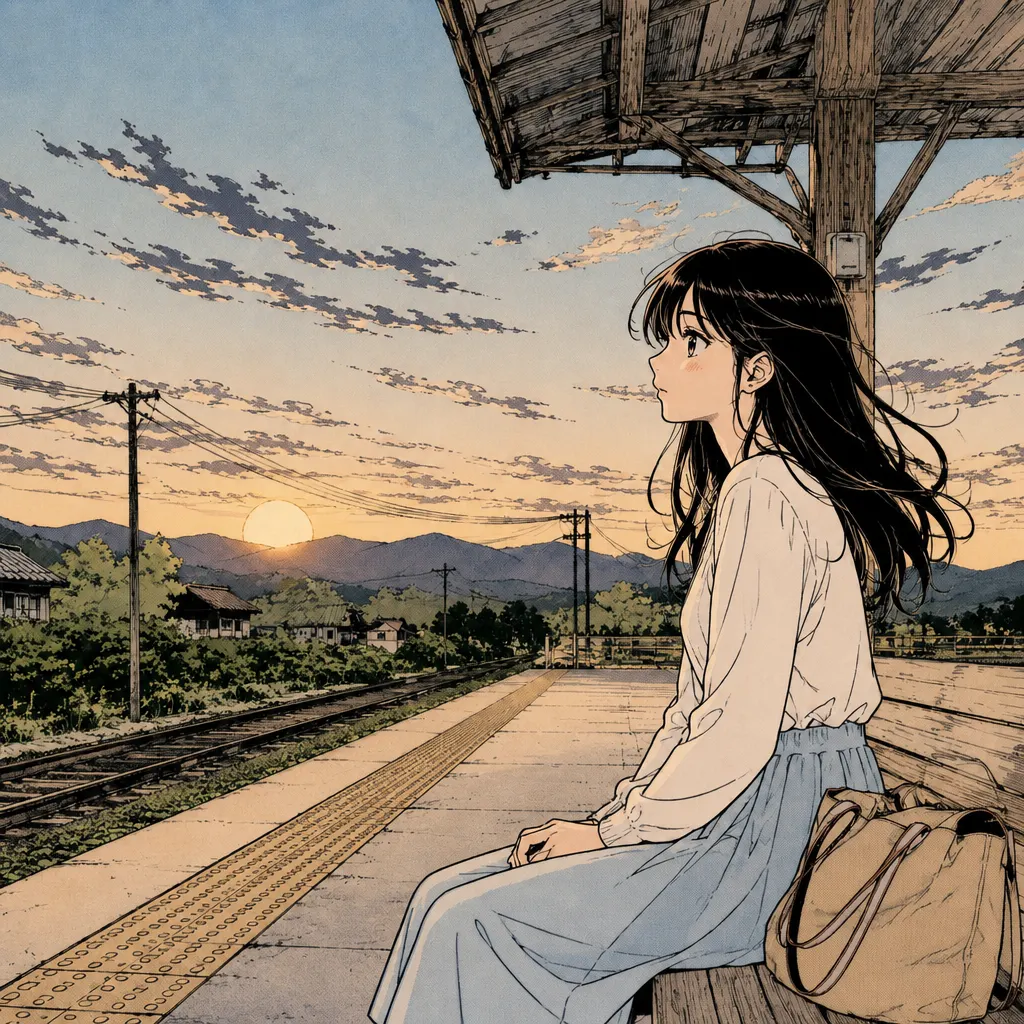
Inspect the original and colored output side by side. Download the result and make any finishing changes in your preferred image editor.
A thoughtful source image makes the result easier to evaluate and refine.
Straighten the drawing and crop away the desk or scanner border. Remove distracting shadows while keeping intentional pencil shading.
Avoid sources so faint or compressed that important outlines disappear. Clear lines make it easier to evaluate what changed.
Blank paper, open shapes, and very sparse outlines can receive unexpected colors. Inspect large empty areas and keep the original for cleanup.
Explore an alternative starting palette for a drawing before committing to a hand-painted color pass.
Study how an estimated palette changes the silhouette and focal point of a character sketch.
Compare the original values with the colored version and identify details that need stronger definition.
Practical answers before you upload your artwork.
It can estimate colors for a black-and-white drawing. Results depend on how much visual context the source provides; sparse outlines may receive subtle or unexpected colors.
Exact preservation is not guaranteed. Review thin contours, crosshatching, and small details against the original, and keep your source file for manual correction.
The current tool applies automatic DDColor colorization. It does not include text prompts, palette selection, a fill bucket, or controls for individual regions.
Yes, if you save it as a PNG, JPG, or WebP image up to 10 MB. A clean, well-lit scan with visible contours is a useful starting point.
The tool downloads a rendered color image. It does not separate outlines and colors into editable layers or export a layered drawing file.
Try Gojo manga color online: upload a black-and-white Satoru Gojo panel, explore AI coloring, compare the result, and download your color study.
Try Naruto manga color online with AI. Upload a black-and-white panel or page, explore character and scene colors, compare the output, and download.
Explore One Piece manga colored online: upload a black-and-white panel, try AI colorization, compare the result, and download your color study.
Explore color for black-and-white Korean comic panels with our AI manhwa colorizer. Upload a panel, compare the result, and download your color study.
Color black-and-white manga pages and panels with our online AI manga colorizer. Upload an image, compare original and color output, then download your result.
Bring your black-and-white artwork and see what color can add to the scene.
Try Line Art Colorizer