
Character close-ups
Explore how color changes the focus of an expressive face. Inspect skin, eyes, and hair closely; automatic colors may differ from the character design you have in mind.
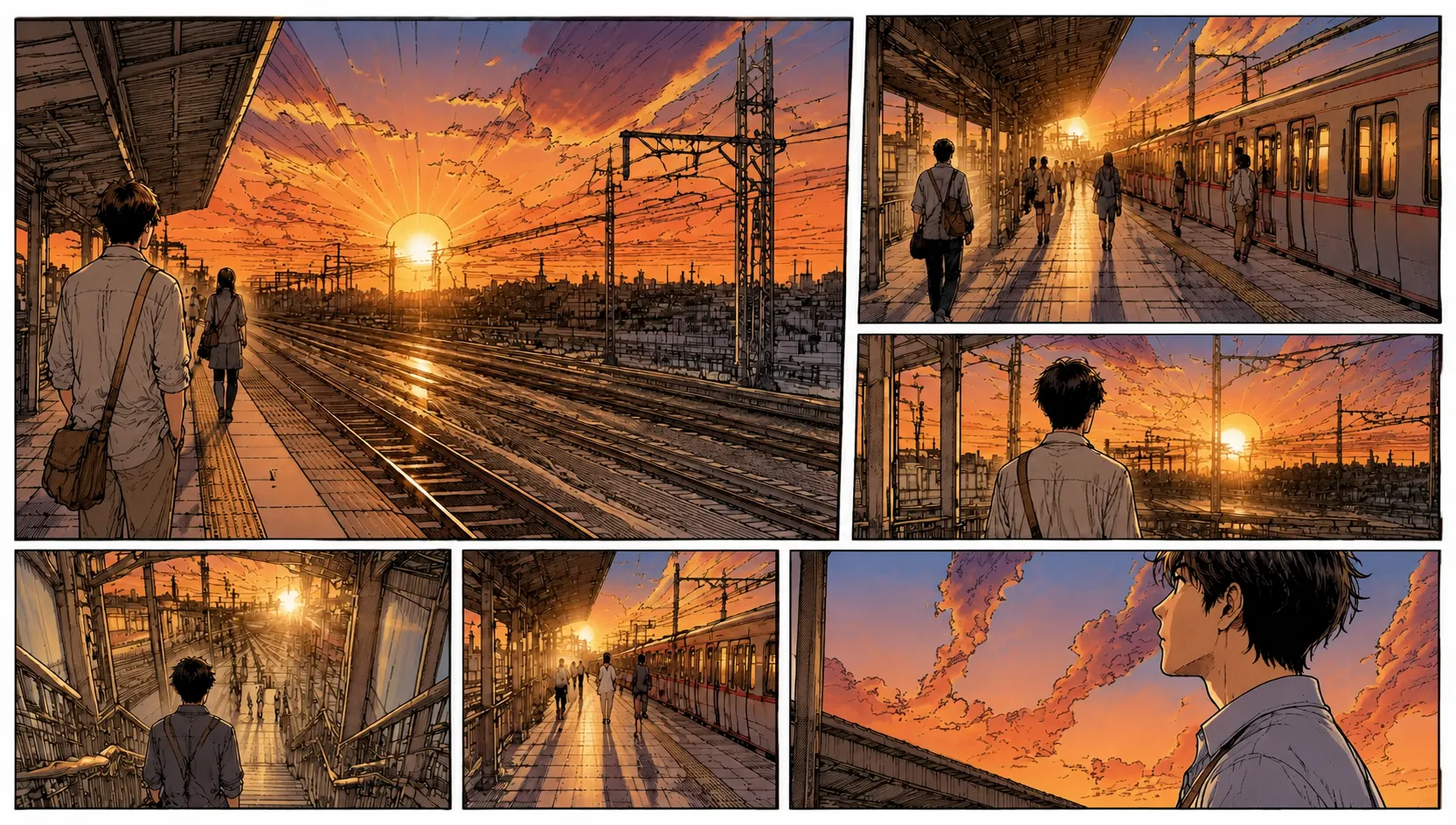
Turn black-and-white Korean comic artwork into a color study with AI. Explore the mood of a close-up, a dramatic reveal, or a quiet background scene, then compare the result with your original.
PNG, JPG & WebP · Up to 10 MB · One image at a time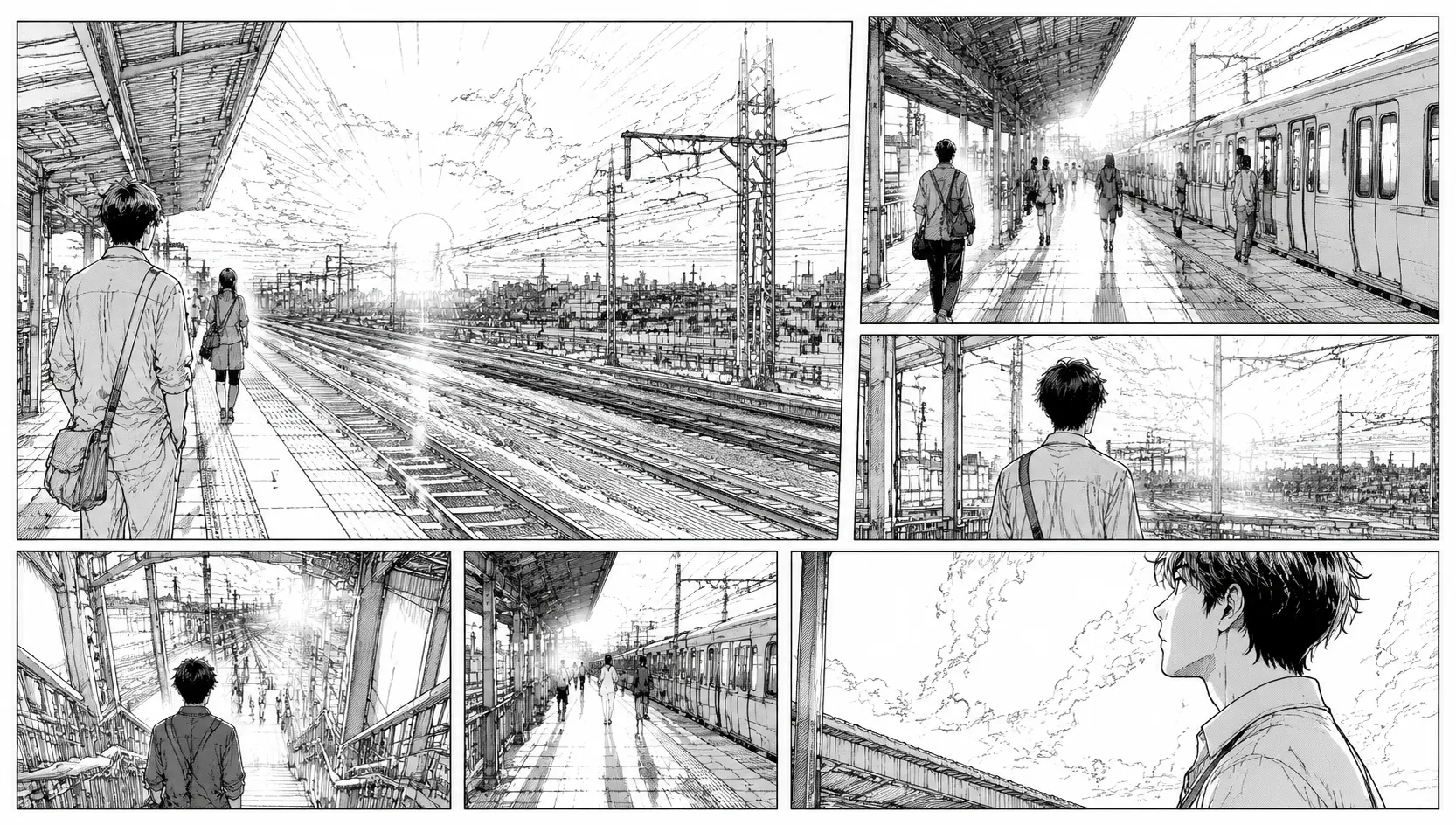
Preview your image, then run DDColor to explore an automatic color interpretation. AI processing requires an account and credits; each image uses one credit. View plans.
Sign in to use your coloring credits. Upload one manga panel or page, run DDColor AI, and compare the result. PNG, JPG, or WebP · up to 10 MB.
Your image is sent to Replicate for AI colorization. DDColor is designed mainly for photos, so manga line art may vary. Download your result before it expires.
Manhwa often uses generous spacing, expressive close-ups, and cinematic scene changes. A color study can help you explore how those moments feel. Start with one panel or a short section of a vertical strip so you can inspect the faces, background, and dialogue at a useful size.
DDColor was developed mainly for photo colorization. It does not provide prompts, a custom palette, or guaranteed preservation of lines and text. Treat each result as a starting point and compare it carefully with your source.
Explore how color changes the focus of an expressive face. Inspect skin, eyes, and hair closely; automatic colors may differ from the character design you have in mind.
Compare the feeling of an interior conversation with an outdoor scene. Background colors can suggest warmth or tension, but the model chooses its own palette.
Crop a long webtoon strip into manageable scenes before uploading. Review the transition between adjacent sections after coloring each image separately.
Work directly in your browser, from a source image to a downloadable color study.
Choose one PNG, JPG, or WebP image up to 10 MB. The editor shows a local preview before you start AI processing.
Sign in with available credits and select Colorize with AI. The model estimates a palette automatically from your image.
Inspect the original and colored output side by side. Download the result and make any finishing changes in your preferred image editor.
A thoughtful source image makes the result easier to evaluate and refine.
Avoid splitting faces, speech bubbles, or important action across the edge of an upload. Very long strips can make small details harder to review.
Separate images are processed independently. Hair and clothing colors can vary between panels, so a consistent final episode may need manual edits.
Check dialogue and panel spacing after coloring. Keep a copy of your original so you can restore text or borders while editing.
Revisit a black-and-white panel and explore a different visual interpretation of the scene.
Use a single panel as a rough color study before making deliberate palette decisions in your drawing software.
Compare color and value to see what draws attention to a face, prop, or background detail.
Practical answers before you upload your artwork.
A manhwa colorizer adds estimated colors to a black-and-white Korean comic image. This tool uses DDColor to create a color study that you can compare with the original and download.
The tool accepts one PNG, JPG, or WebP image up to 10 MB at a time. For a long episode, crop it into individual panels or short scenes first and review each result.
Consistency is not guaranteed. Each image is processed independently, and there is no character-reference or palette-lock control. Review recurring characters and adjust their colors manually when needed.
This workflow is intended for black-and-white images. It does not provide selective recoloring or a way to specify replacement colors.
No. The tool uses DDColor, which was developed mainly for photo colorization. Korean comic linework, text, and screentones may need manual cleanup.
Try Gojo manga color online: upload a black-and-white Satoru Gojo panel, explore AI coloring, compare the result, and download your color study.
Try Naruto manga color online with AI. Upload a black-and-white panel or page, explore character and scene colors, compare the output, and download.
Explore One Piece manga colored online: upload a black-and-white panel, try AI colorization, compare the result, and download your color study.
Add estimated color to black-and-white drawings with our AI line art colorizer. Upload a sketch or ink drawing, inspect the result, and download it online.
Color black-and-white manga pages and panels with our online AI manga colorizer. Upload an image, compare original and color output, then download your result.
Bring your black-and-white artwork and see what color can add to the scene.
Try Manhwa Colorizer